Intelligent Curing Oven with Touch Screen
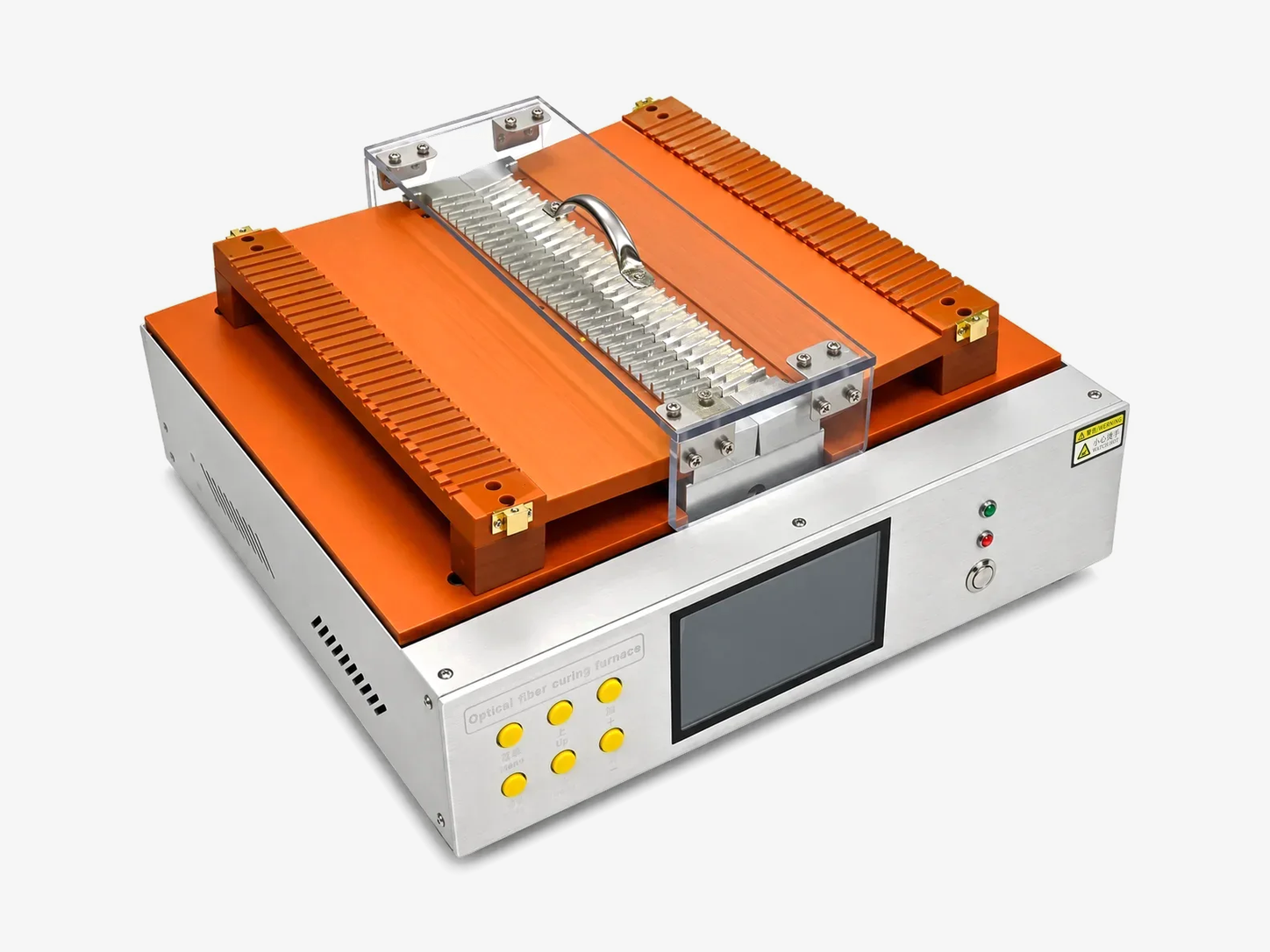
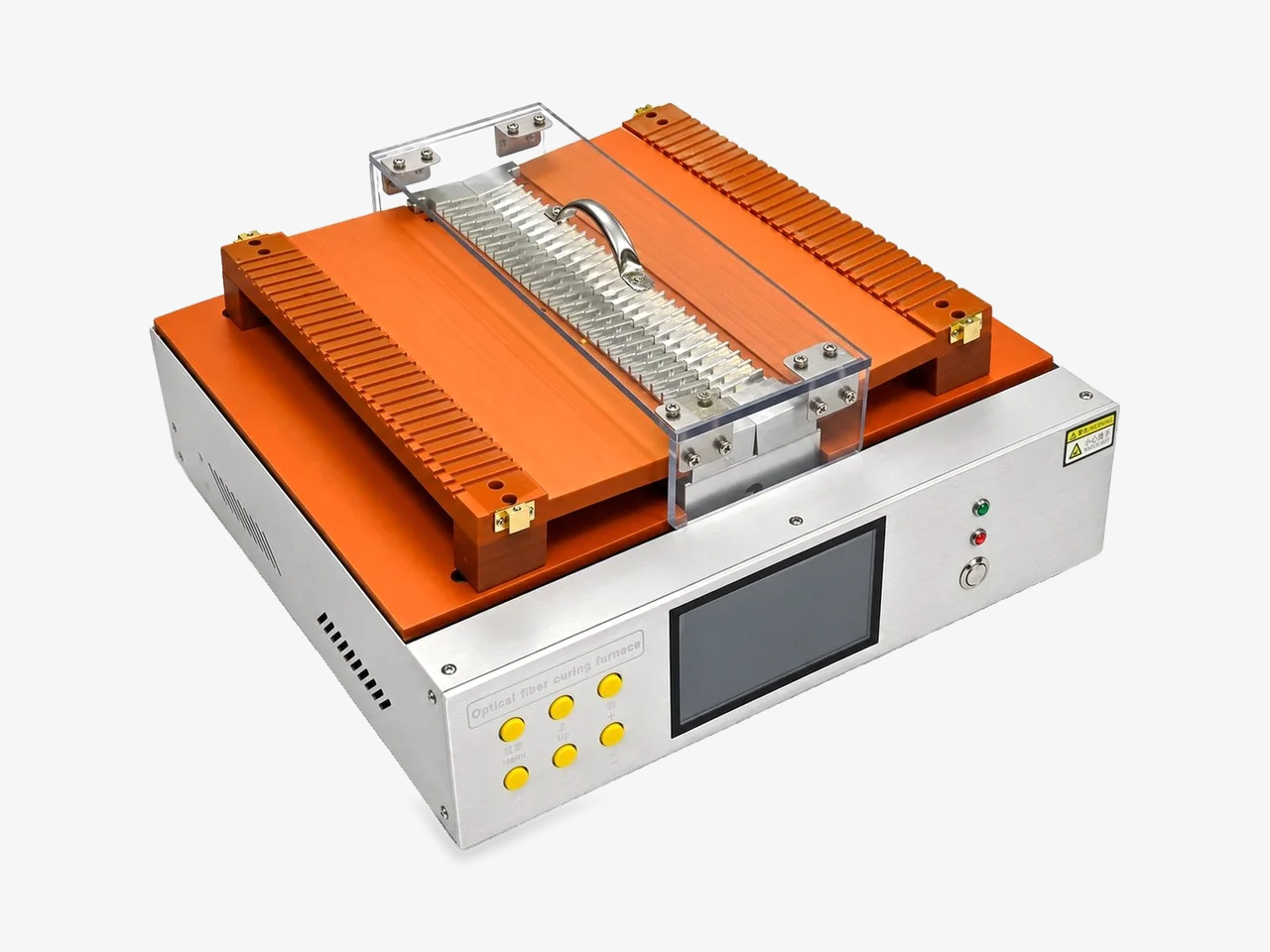
NewTouchscreen curing platform with a covered dual-rail connector fixture.
Product overview
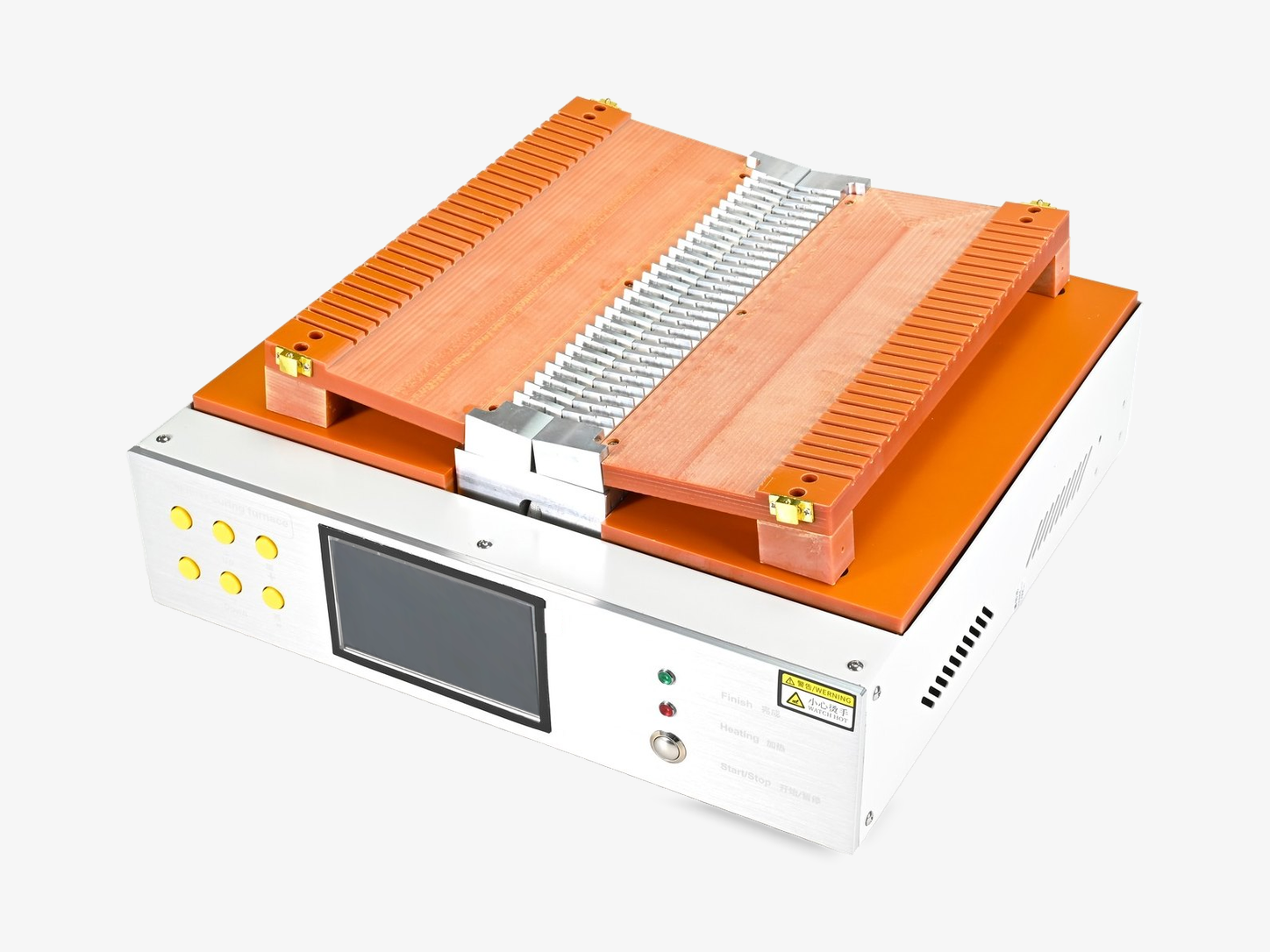
A benchtop curing furnace with two slotted heating rails and a clear protective cover over the connector fixture. A touchscreen controller and a six-key quick panel keep set-up and cycle control at the operator's fingertips.
Applications
- Connector epoxy curing
- Batch connector production
Where it fits in the line
- 01Prepare
- 02Terminate
- 03Cure
- 04Polish
- 05Inspect
- 06Test
Features
- 01
Dual slotted rails
Two rows of connector slots for balanced batch loading.
- 02
Clear protective cover
Watch the batch while the fixture stays shielded.
- 03
Touchscreen control
Set temperatures and cycles on screen, with quick keys on the panel.
Specifications
Configured per order. Specifications depend on the configuration you choose. Tell us your connectors, cables and output and we send the matching datasheet.
Request datasheetQuote checklist
Send these details with your request and we can configure the Intelligent Curing Oven with Touch Screen on the first reply.
Connector & adhesive
- Connector type and slots per batch
- Adhesive cure schedule
- Required fixture layout
Workstation & utilities
- Installation country and available power supply
- Compressed air availability, where needed
- Bench space, operator setup and integration requirements
Videos & demonstrations
See the workflow before you choose
Request a demonstration for this model. Include the setup, operation or result you would like to see.
No public video is listed for this model.
Questions & answers
What should I include in a configuration request?
Include your connector and cable types, intended workflow, required interfaces and the results you need. Add the model or configuration shown on this page.
How do I request product documentation?
Use the document options on this page and specify the model, configuration and destination. The applicable scope is checked against the corresponding document.
Customer reviews
There are no published customer reviews for this model yet.
Share your equipment experience
Tell us the model, configuration and application. Feedback is published only with permission.
Compliance & documentation
Check documentation for your selected model and destination. The applicable scope is confirmed with the corresponding document.
Request model-specific documentsDocumentation center
Product resources
Related products
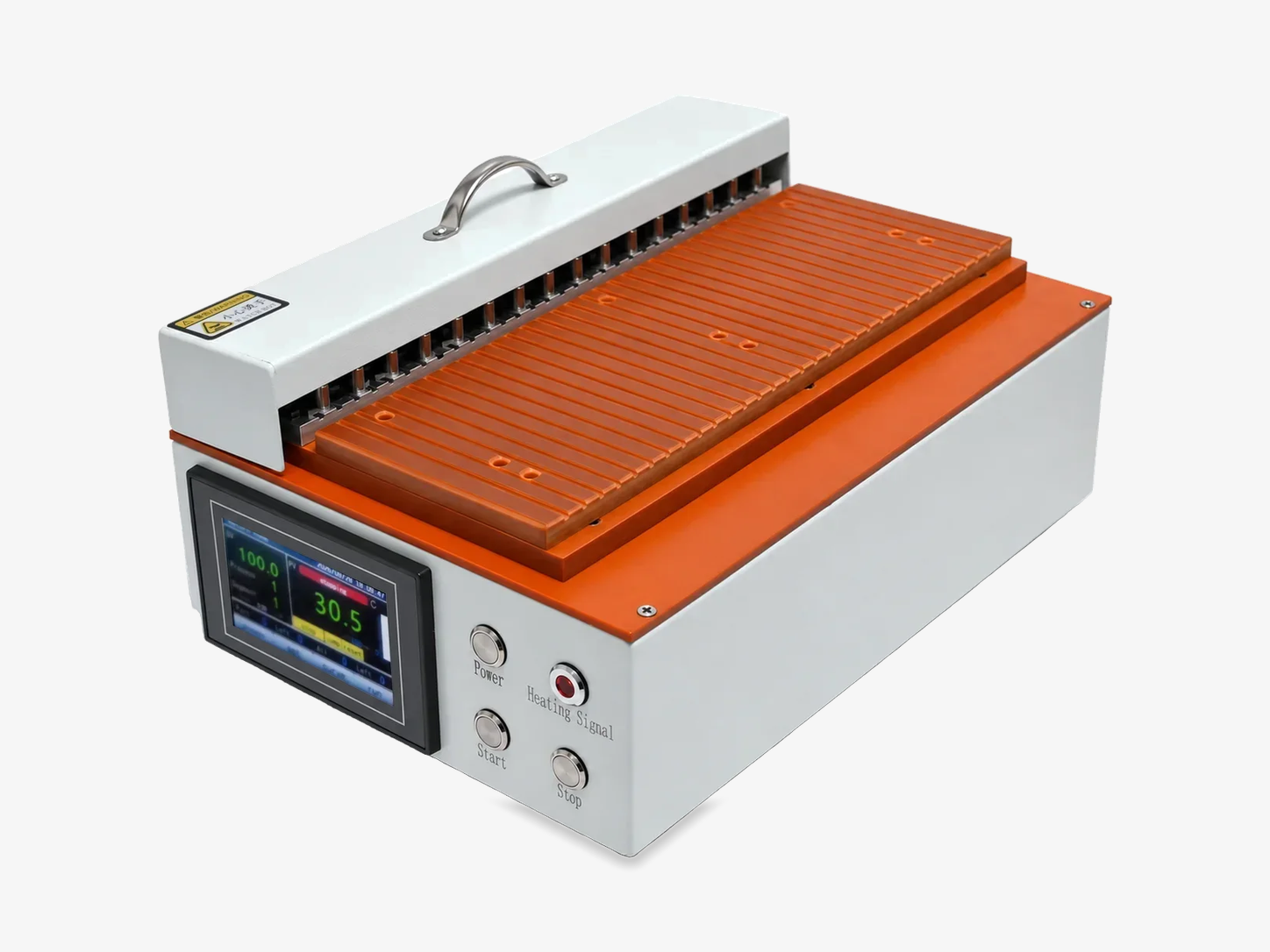
MPO Curve Heating MachineNew
Recipe-driven, multi-segment heating for MPO connector curing.
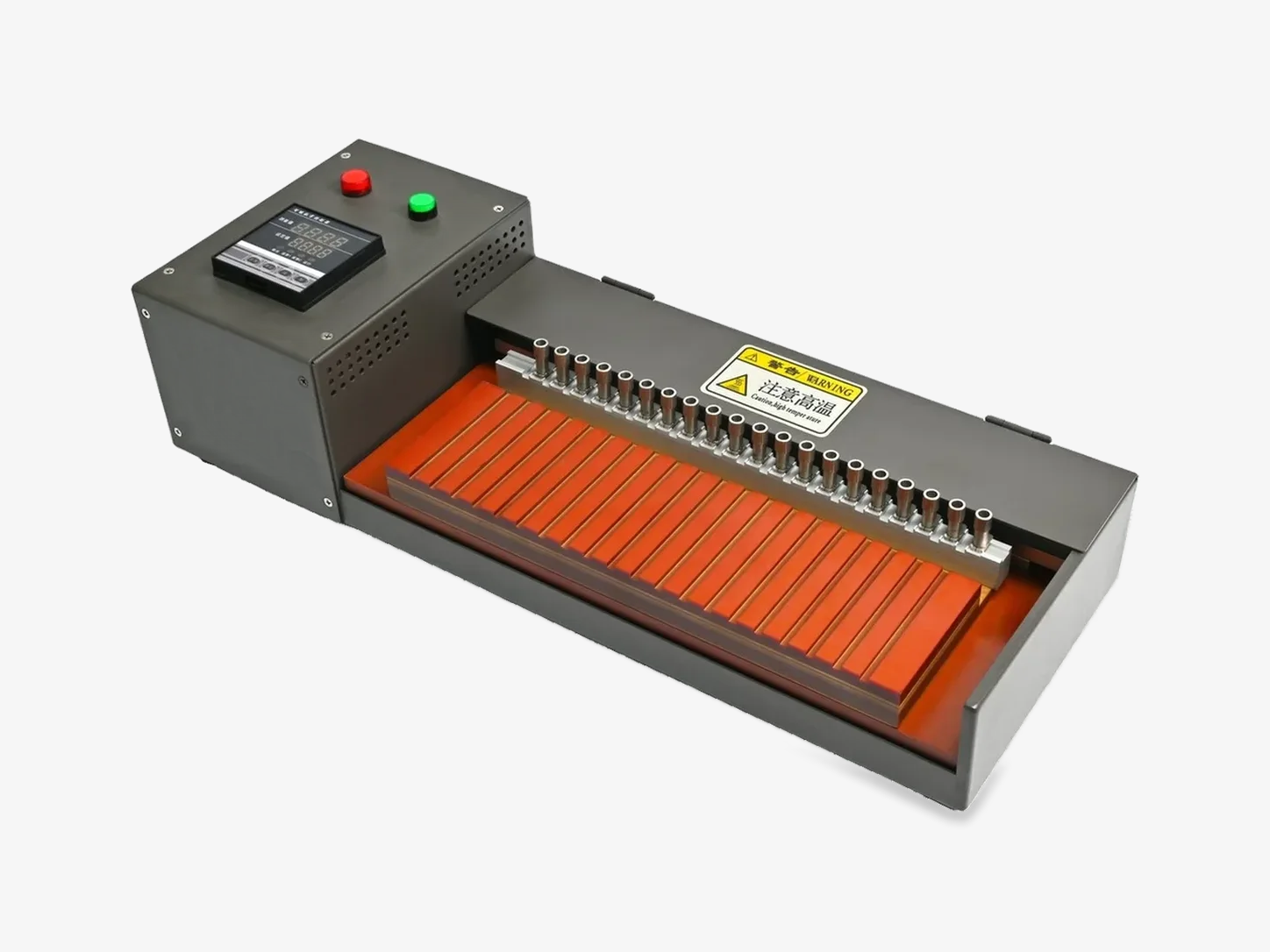
MPO Fiber Optic Curing OvenNew
Programmable PID curing with uniform heat across multiple MPO positions.
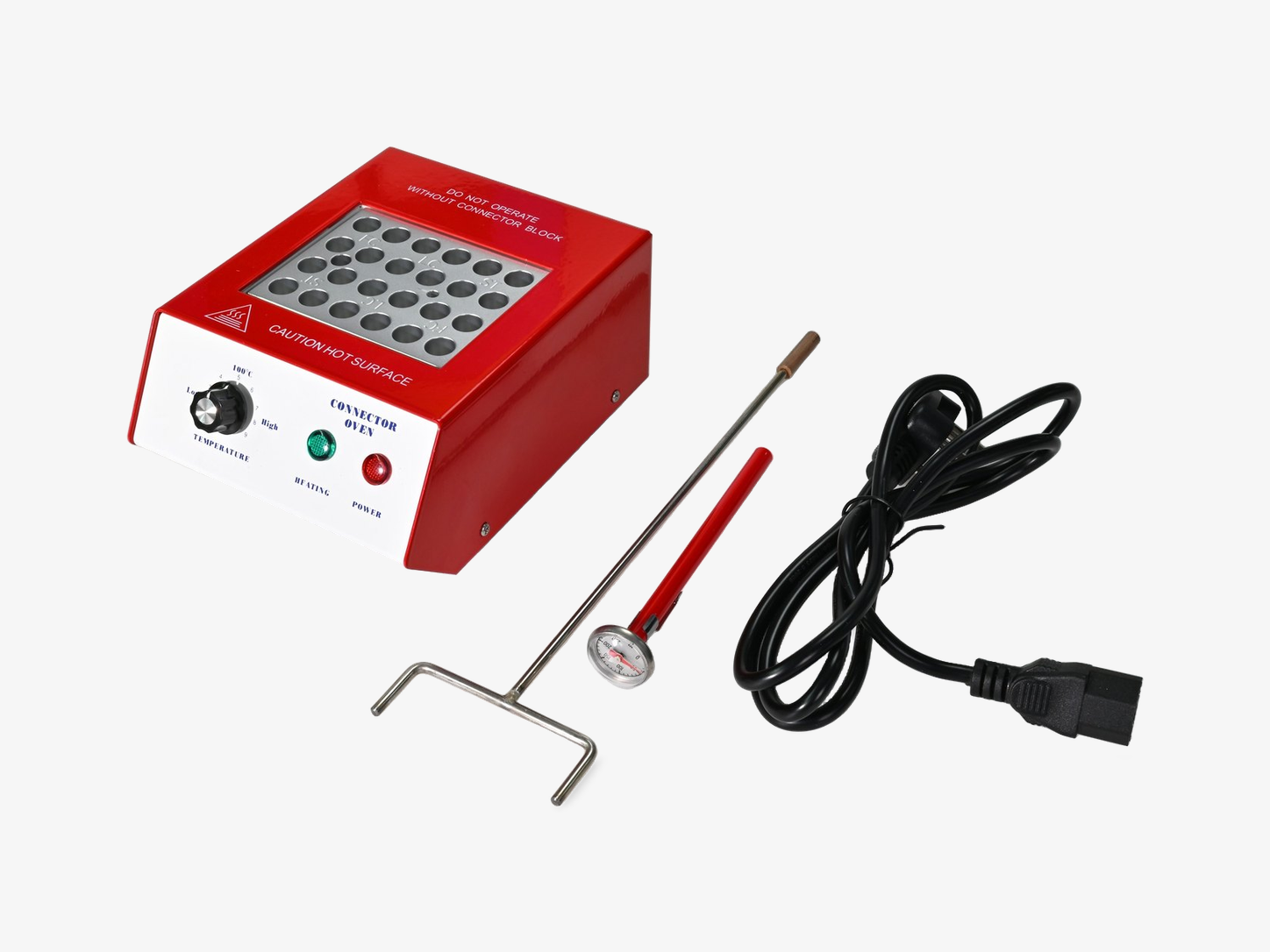
Mini Block Heater Curing Oven
Batch heat-curing for epoxy single-fiber connectors.
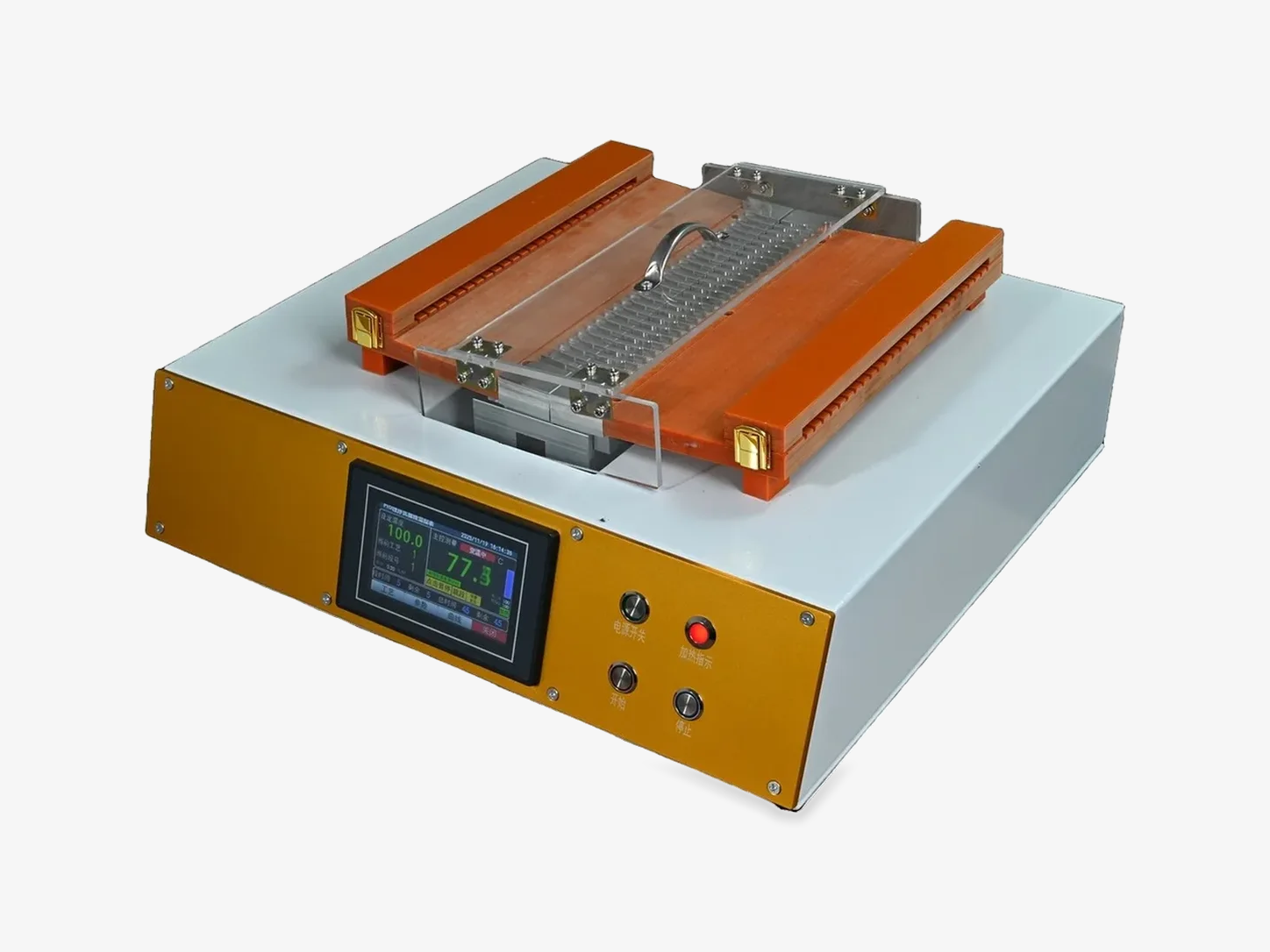
Smart Curing Oven (Gold Series)
Provides digital temperature control and multiple connector positions for efficient batch curing.
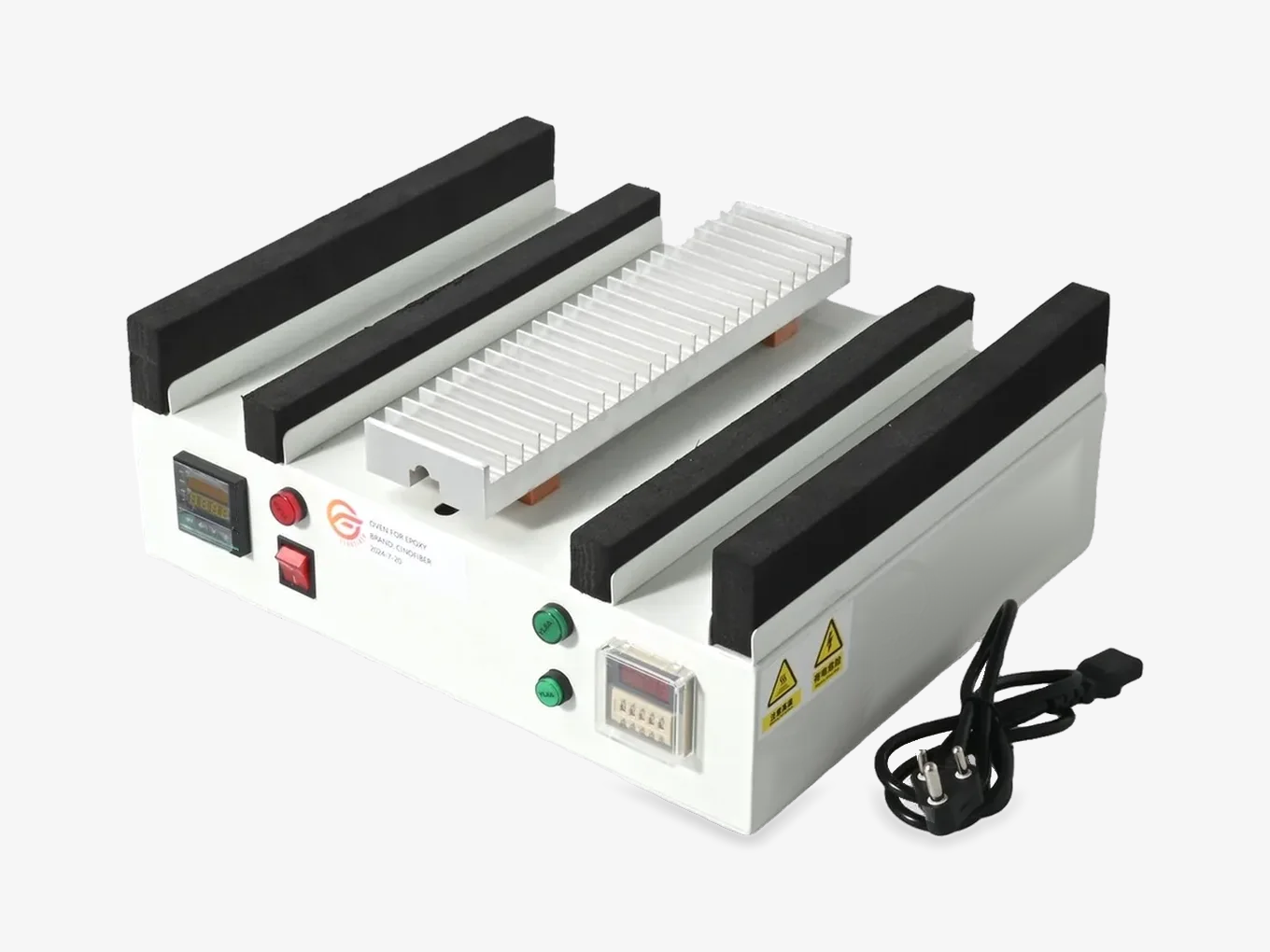
MPO Connector Curing Oven
Has dedicated holders for MPO/MTP ferrules, ensuring uniform curing for multi-fiber connector production.
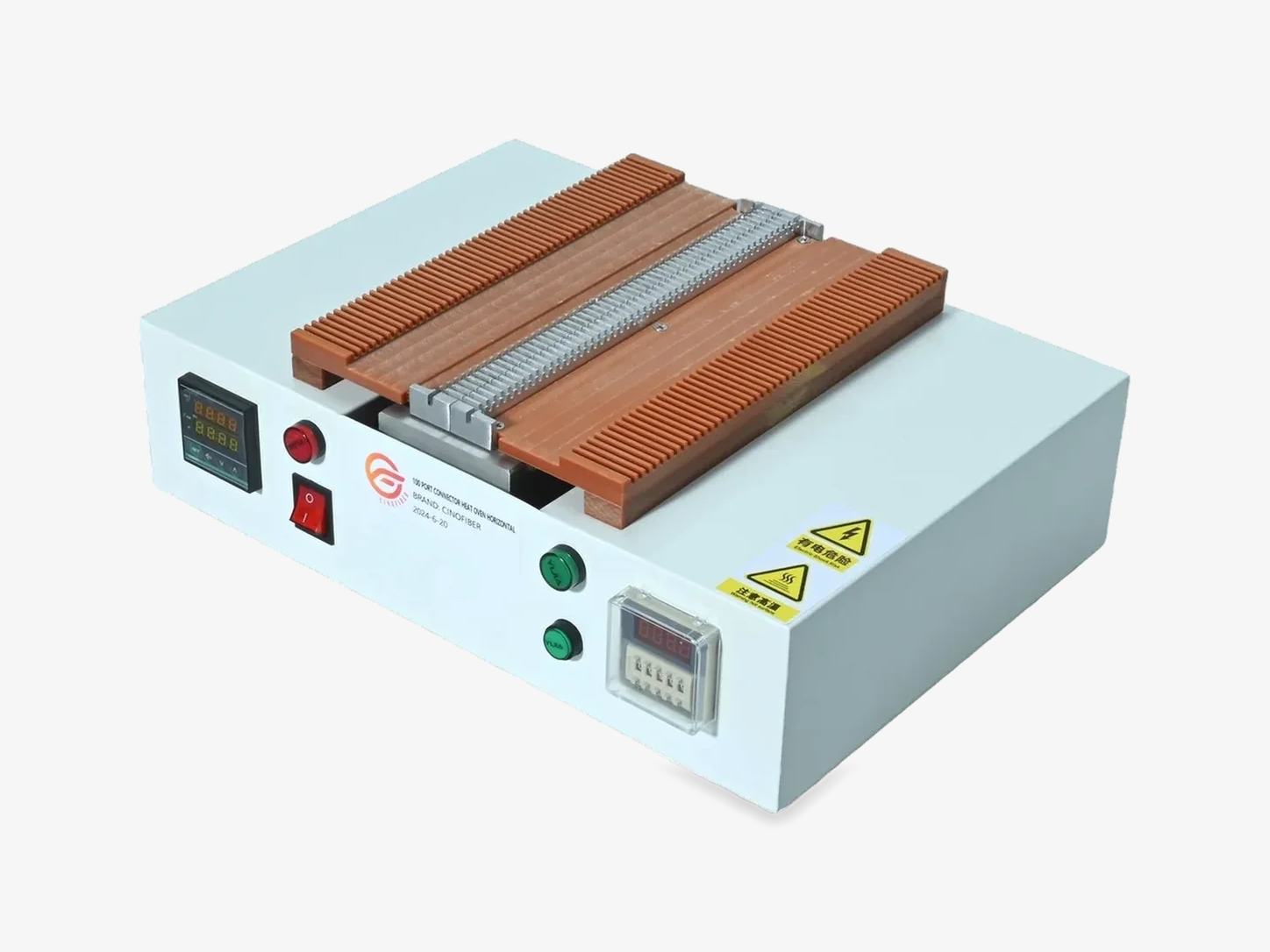
Fiber Connector Curing Oven
Dual-rail heating platform for batch fiber-connector curing.